
$100k in buy opportunities by shopping at Pak’nSave
Our chief buyer would trawl through supermarket deals weekly to find buy opportunities. So I built a tool that does the crawling and analysis for him.
I came home and learnt that we buy from NZ supermarkets when the prices are good. I found that unbelievable, but sometimes their prices are just that incredible, and our customers do the same.
Context
Nalsun is a wholesaler, so we buy directly from suppliers. Supermarkets can still beat that cost price. When they do we want to match it and pass it to our wholesale customers, because they’ll probably be doing the same thing themselves.
The $100k is what that gap is worth. Lines we already stock, the difference between our cost and theirs, priced at what it would cost to restock to our normal cover level. It’s the opportunity on the table. A person still decides what we actually buy.
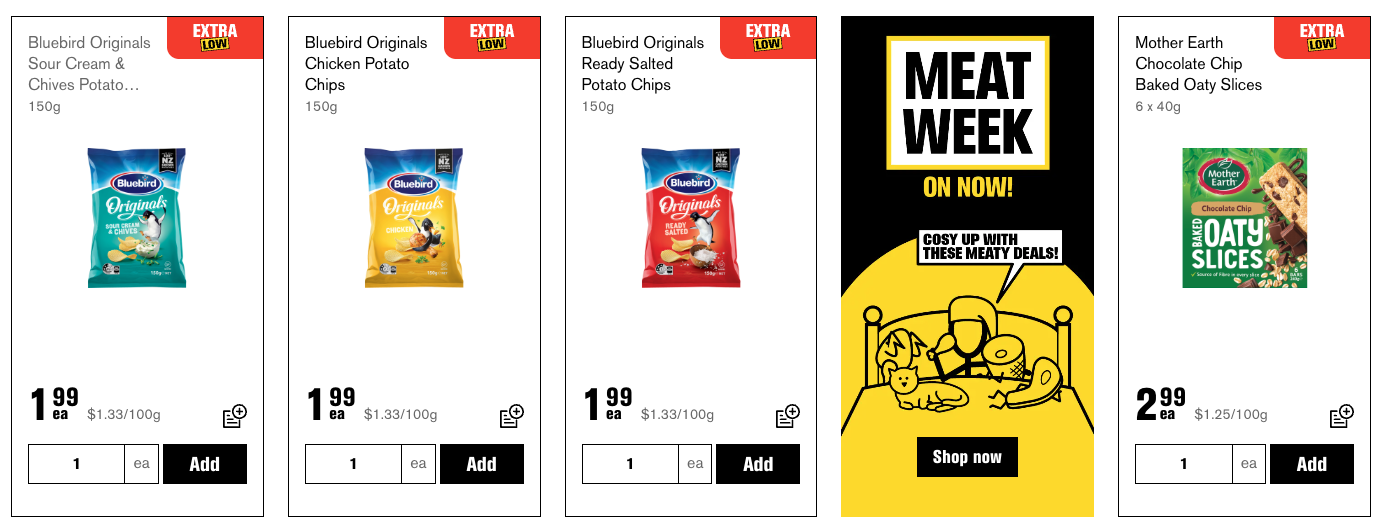
By scraping these sites and automatically comparing the pricing with our own, we could catch these opportunities programmatically and never miss a deal again.
How it’s built
First attempt: drive the website like a person
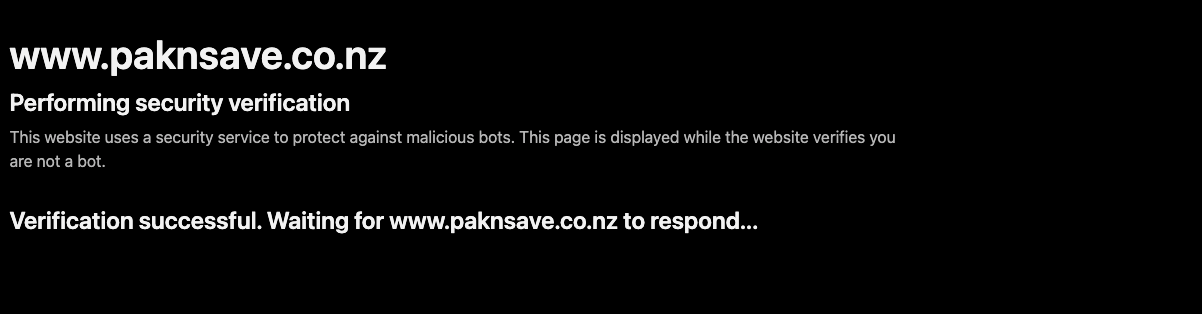
I built a scraper but it kept getting caught out as a bot. I needed some actual fire power from an S-tier developer.
Luckily Liam had just returned from his world tour and wanted to get coding again. He made a C# console app called PennyPincher that opens a real Chromium window with Playwright and walks our products through each supermarket one at a time. It reads an input.csv of our inventory (barcode, URL, pack size, last purchase price) and works down the list.
Then it lifts the price off the page, divides multi-buy offers down to a per-unit price, divides our pack price by the pack size, and writes an output.csv with a price_diff and percent_diff per line.
It worked mostly but still got caught.
Getting through it meant paying for IP rotation and a captcha solver, and I didn’t want to invest in either. Two other things made it expensive to run:
- It sleeps a random 7 to 10 seconds between products to look human, and the browser isn’t headless, so it visibly clicks its way through the site the whole time. Half an hour per supermarket with my computer hostage.
- I tried Firecrawl instead of running the browser myself. Pretty expensive when you turn on all the anti-bot tooling they provide
It was much slower than I expected too. We learnt that quickly and made the call to stop patching this one and go looking for another way in, which is what paid off.
The thing I should have done first
Someone was already doing it. Huge thanks to Roc Wong at grocer.nz, whose data is what the app runs on now. No browser, no captcha, no half hour: one Parquet file per store.
- Grocer
1. Fetch Data
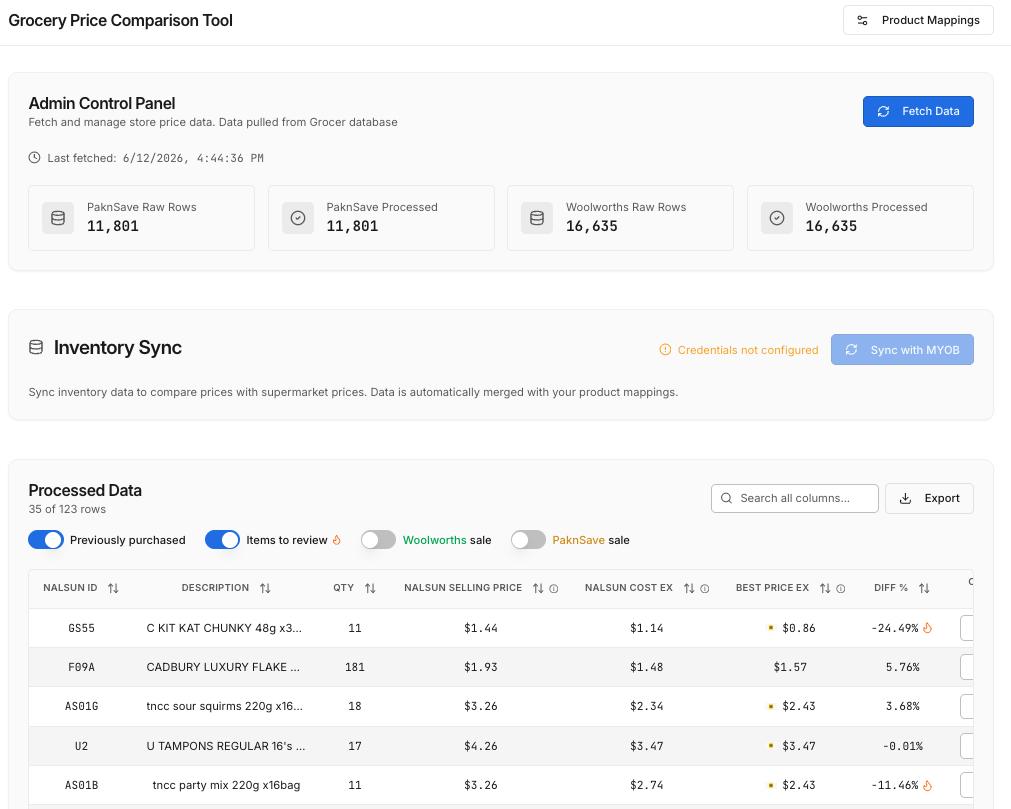
One Parquet price file per store. 11,801 Pak’nSave rows and 16,635 Woolworths rows.
- Price Comparison Tool
2. Normalise the promotions
Regular, sale, club and multi-buy become one effective price per item. Lowest wins.
- MYOB
3. Sync with MYOB
Our inventory IDs, pack units, last and average cost, and stock on hand.
- Price Comparison Tool
4. Product Mappings
The systems share no keys, so one Nalsun ID gets tied to its Grocer, Pak’nSave and Woolworths IDs.
- Price Comparison Tool
5. Make the prices comparable
Pack prices divided down to a unit, supermarket prices divided by 1.15 to strip GST.
- Price Comparison Tool
6. Processed Data
The table, filtered to previously purchased, items to review, and each store’s specials.
- Price Comparison Tool
7. Generate the order emails
One draft per store. It never sends them.
The stack
- Grocer · Where the prices come from now. A Parquet file per store.
- MYOB · Our inventory IDs, pack sizes and costs.
- Price Comparison Tool · The app. TypeScript front to back: normalises the prices, holds the mappings, serves the table, drafts the emails.
- PostgreSQL · Raw prices, normalised prices, fetch history, inventory and mappings, each kept separate.
Learnings
- Reach out to developers. Liam built the first scraper, and in the end I got the data by asking Roc for it. They are super helpful, happy to share what they built and to help someone out.
- Claude will do the reverse engineering for you. You can have it watch your browser, record the network calls, and work out the API from the traffic. I found that out afterwards but super handy when planning a large scale scraper in future.
Next steps
What I’d do again
The tool surfaces, the buyer decides. It drafts the order emails and never sends them, because choosing the quantity is the skilled part. The order also has to line up with what’s already inbound from the supplier, and we don’t store that anywhere yet. So it flags a strong buy signal and stops there.
What’s still broken
- It’s 35 decisions someone has to sit down and make, every run.
What I want to build
- Digitise procurement and add forecasting. Once we hold what’s inbound and what we’re going to need, that last step is ready to be automated.
I still think it’s unbelievable that a wholesaler can still find value shopping at a supermarket. I'm glad that we don't need to look for these opportunities manually now